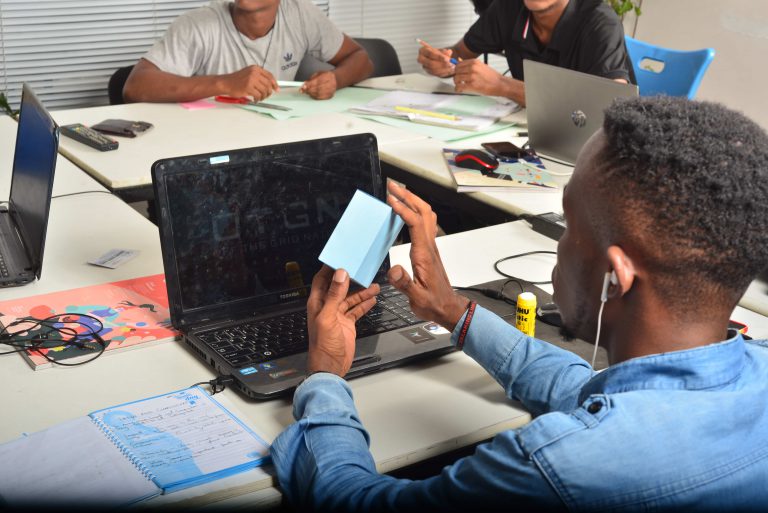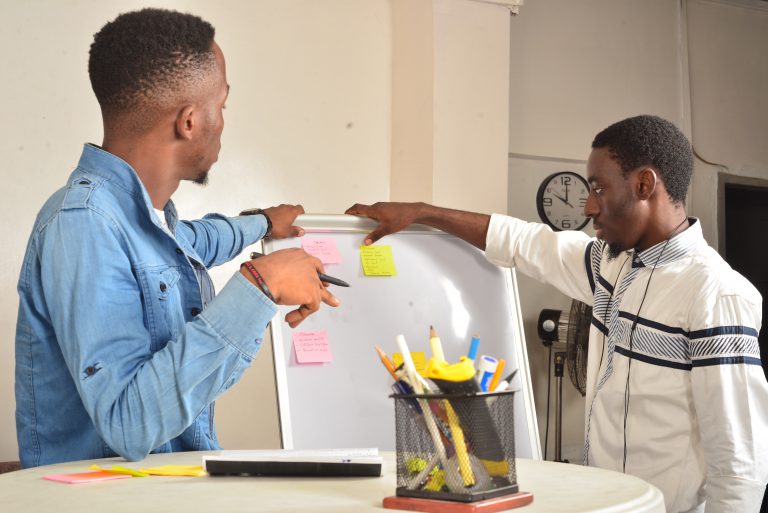
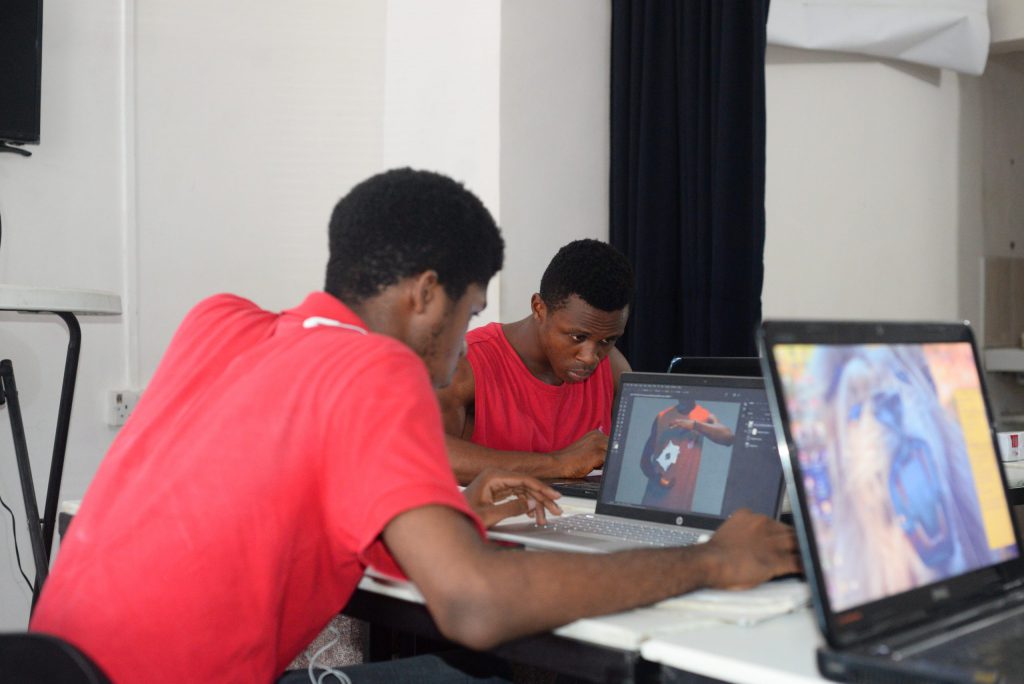
When it come effectiveness in delivering your work as a designer, getting organised is very critical. In this article, you will learn how you can improve your workflow so you can deliver at the top of your game. You will learn how to create an organization system for your files and folders, set a routine for your design process, use colour coding to track projects and deadlines, keep your workspace tidy and well-lit, and use project management tools for updates.
1. Organised files and folders
Now as a graphic designer, you need a system to organise your files and folders so you don’t spend a lot of time locating, what you’ve worked on before.
Below are the tips on how to have well-organised files and folders.
1. Create an organization system for your files and folders.
a.In each project folder, create subfolders for different stages of your design process (e.g. sketch, mockup, final designer).
b. Use consistent and descriptive filenames (e.g. mock-project-name -U1.psd)
C. Use tags and keywords to help you find files quickly.
d. Regularly review and filter old or unused files to avoid clutter
2. Set a schedule for your design process.
As a graphic designer, a solid routine can be the secret recipe for productivity and creativity.
a.Start by defining your goals for each project.
b. Break each project into smaller tasks and create a schedule for each task.
c. Make time in your schedule for each task and stick to it.
d. Avoid multitasking and distraction while working.
e. Take frequent breaks to stay calm.
f. Regularly review and modify your routine to make sure it’s working for you.
3. Use colour coding to track projects and deadlines.
Colour coding is like a secret weapon to stay on top of projects and deadlines.
a.Choose a colour for each project or project type.
b.Use colour labels, sticky notes, or markers to identify projects and tasks.
c.Create colour-coded calendars to keep track of deadlines.
d. Use folders or colour labels to organise digital files. i.e. Consider using a colour-coded Kanban or Trello board to visualise your workflow.
Using colour codes is like giving your brain a visual cue to stay organised.
4. Keep your work area tidy and well-lit.
A clean, well-organised workspace can help you focus and be more productive. Let your workspace be well-lit with lots of natural light.
a. Arrange tools and materials in a way that makes sense to you.
b. Consider using a standing desk or office chair to stay comfortable while working.
c. Avoid distractions like cluttered surfaces or an over-full inbox.
5. Use project management tools to update.
a. Use software like Asana, Trello or Base Camp to manage projects and deadlines.
b. Set up alerts and reminders to keep you on track.
c. Share project progress with clients or team members using project management tools.
d. Consider using time tracking tools to manage your own time and productivity.
e. Regularly review project progress and adjust your approach as needed.
Using the management tools listed above will help you stay ahead of your game.